Registration
Registration ties one Discord account to one Infinite Flight Community (IFC) username.
You must register before /initserver or before staff can treat you as a member of a VA on
Discord.
What we ask for
- IFC username — your public Infinite Flight Community name.
- Last flight proof — origin and destination ICAO codes (for example
VIDP-VIDP) matching one of your last three complete logbook flights in Infinite Flight.
We never ask for your Infinite Flight password, email, or full logbook export.
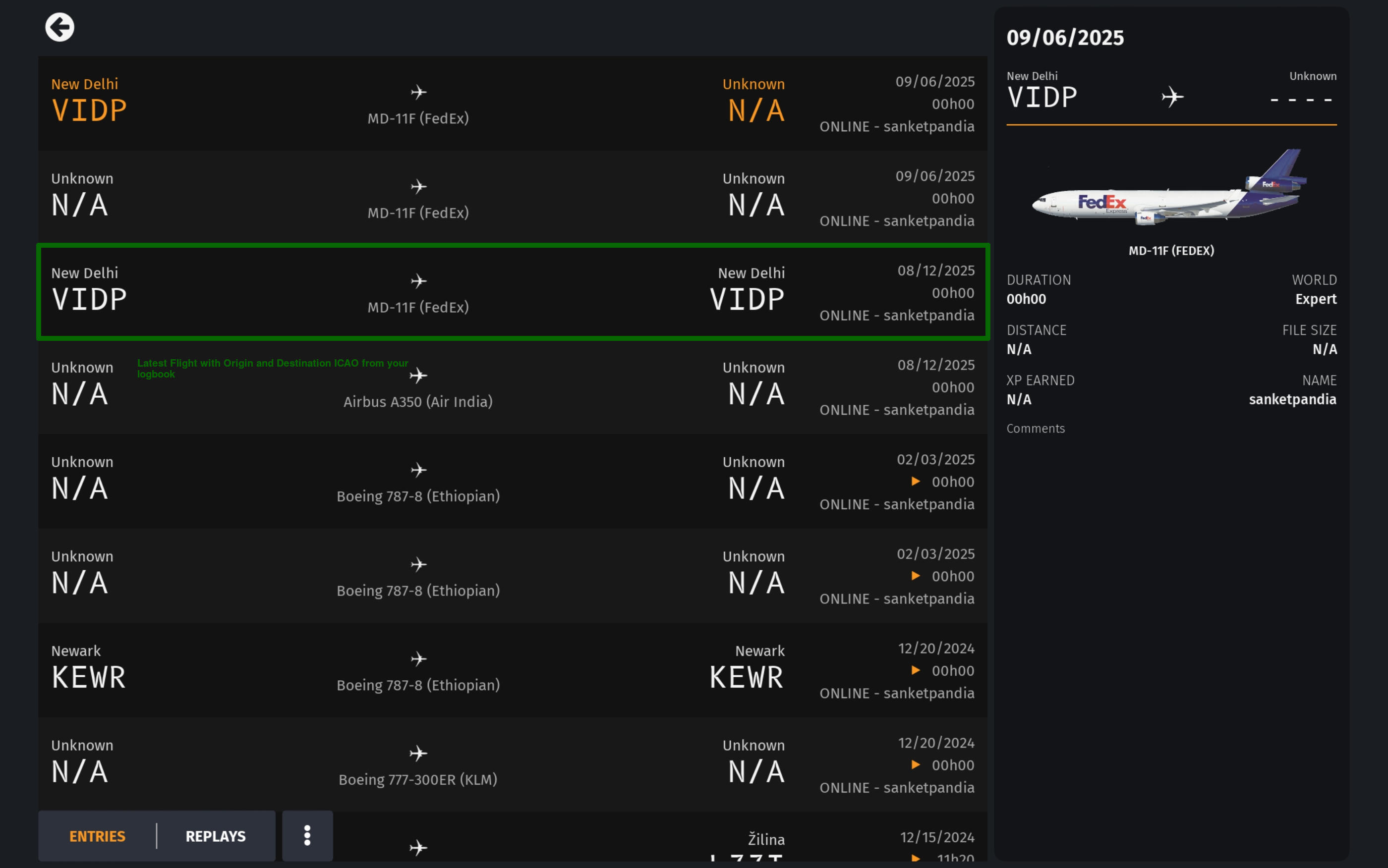
Steps in Discord
- Run
/registerin a server where Comrade Bot is installed. - Read the privacy notice — use only your IFC account.
- Choose Proceed for a new account, or Link to VA if you already have a global account and only need to join this server’s VA.
- Complete the modal with your IFC username and flight proof.
Politburo validates the flight against Infinite Flight data and rejects duplicate Discord or IFC links.
Joining a virtual airline
One Discord guild maps to one VA. If you are already registered and the server is a VA you
have not joined, /register can link you with your VA callsign (default role: pilot /
proletariat). Your roster in Airtable is matched by IFC username, not callsign alone.
If registration fails
- Already registered — use
/statusor the Link to VA path. - IFC already linked to another Discord user — we do not reveal the other account. You may report a possible impersonation; see Roles & your VA.
- Banned account — registration is blocked for that Discord ID.
Privacy
See our Privacy policy for what we store and why.